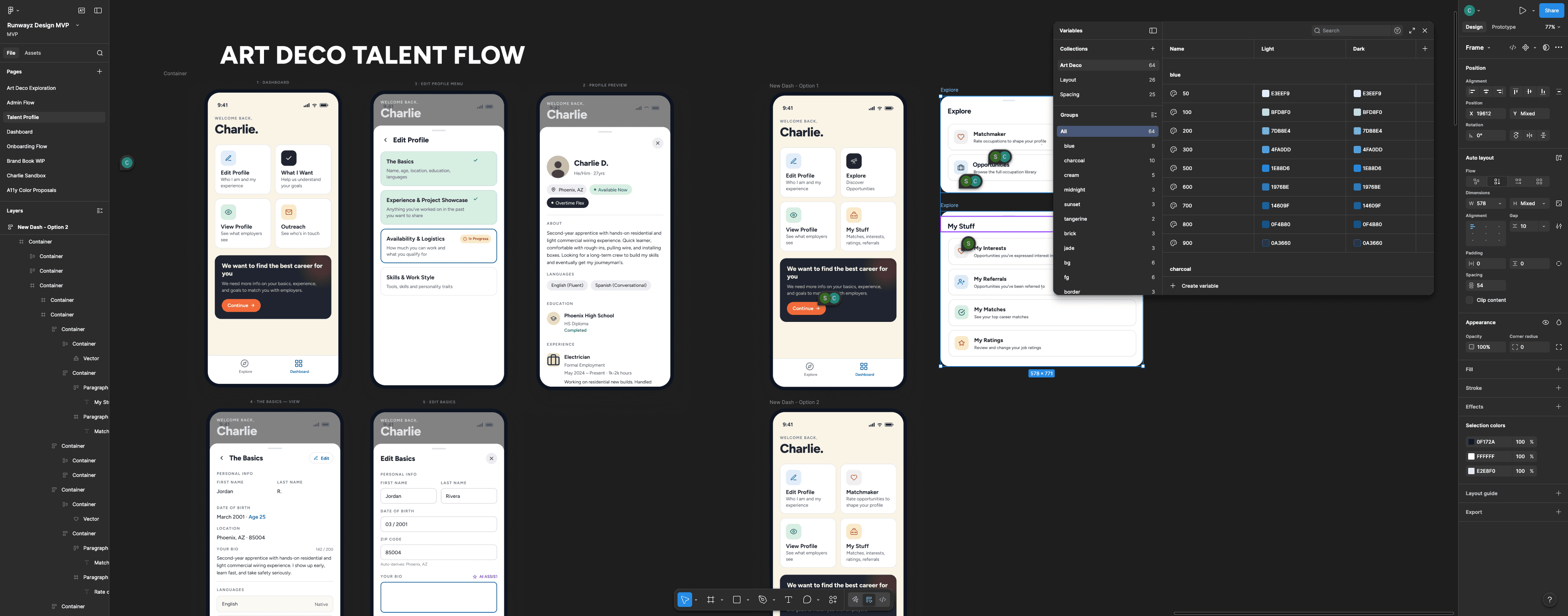
Building a Design Pipeline with AI
Leveraging emerging technology to increase speed and quality of output during an MVP sprint.
The Need
At Runwayz, product design and strong UX discovery have always been top priorities. However, with the advent of emerging AI software development tools, going from zero-to-one on a product has never been easier. When we decided to re-invest in our software product, I needed to answer the question: how can we promote development to move as fast as possible without design and discovery becoming a bottleneck?
As Head of Product, I was tasked with understanding how Runwayz could cultivate a pipeline for design that not only kept pace with development, but encouraged them to move even faster. The immediate risk was that leaning too heavily on AI could strip the pipeline of authenticity. Whatever we did, the Runwayz brand voice needed to live at the center of it.
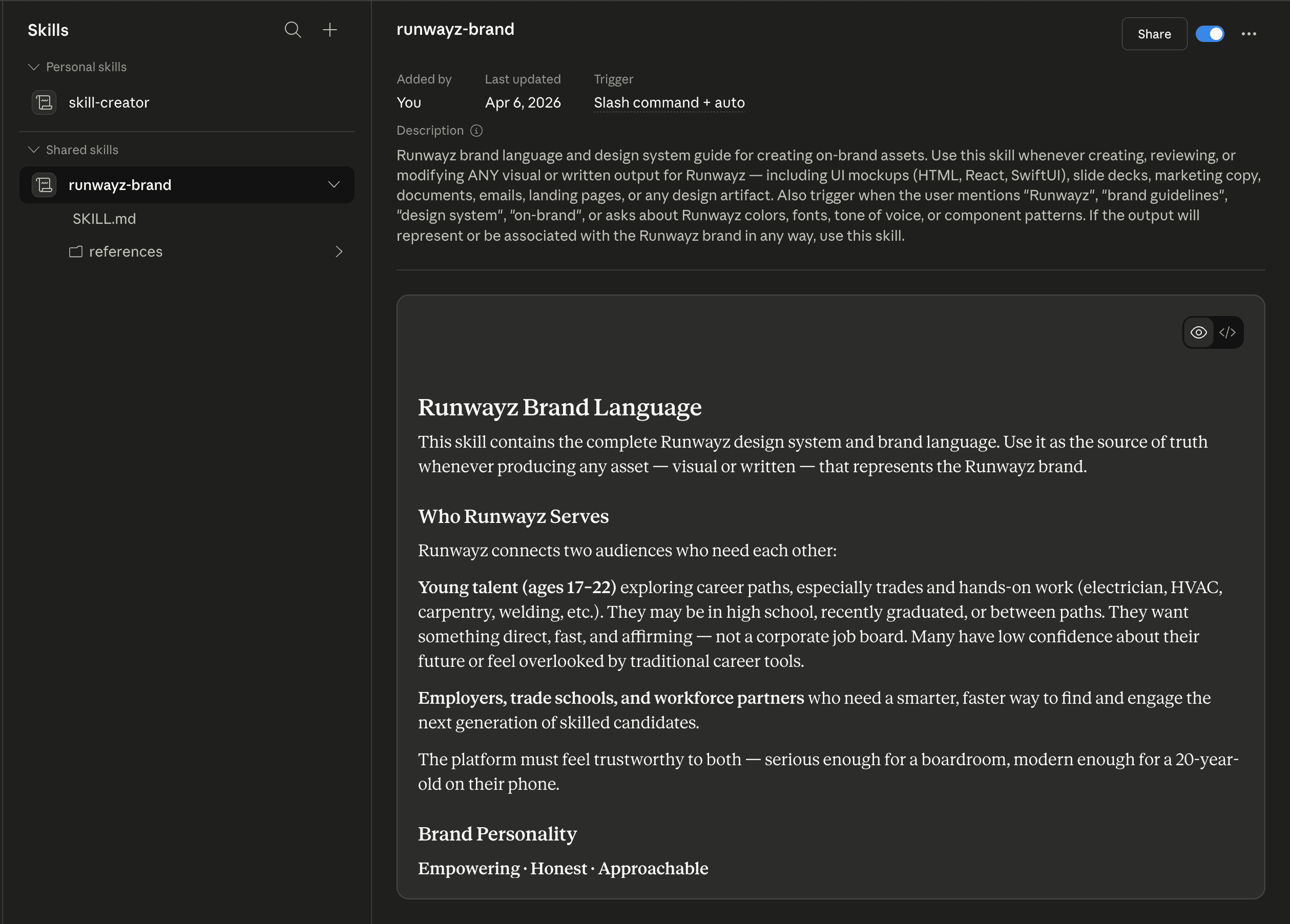
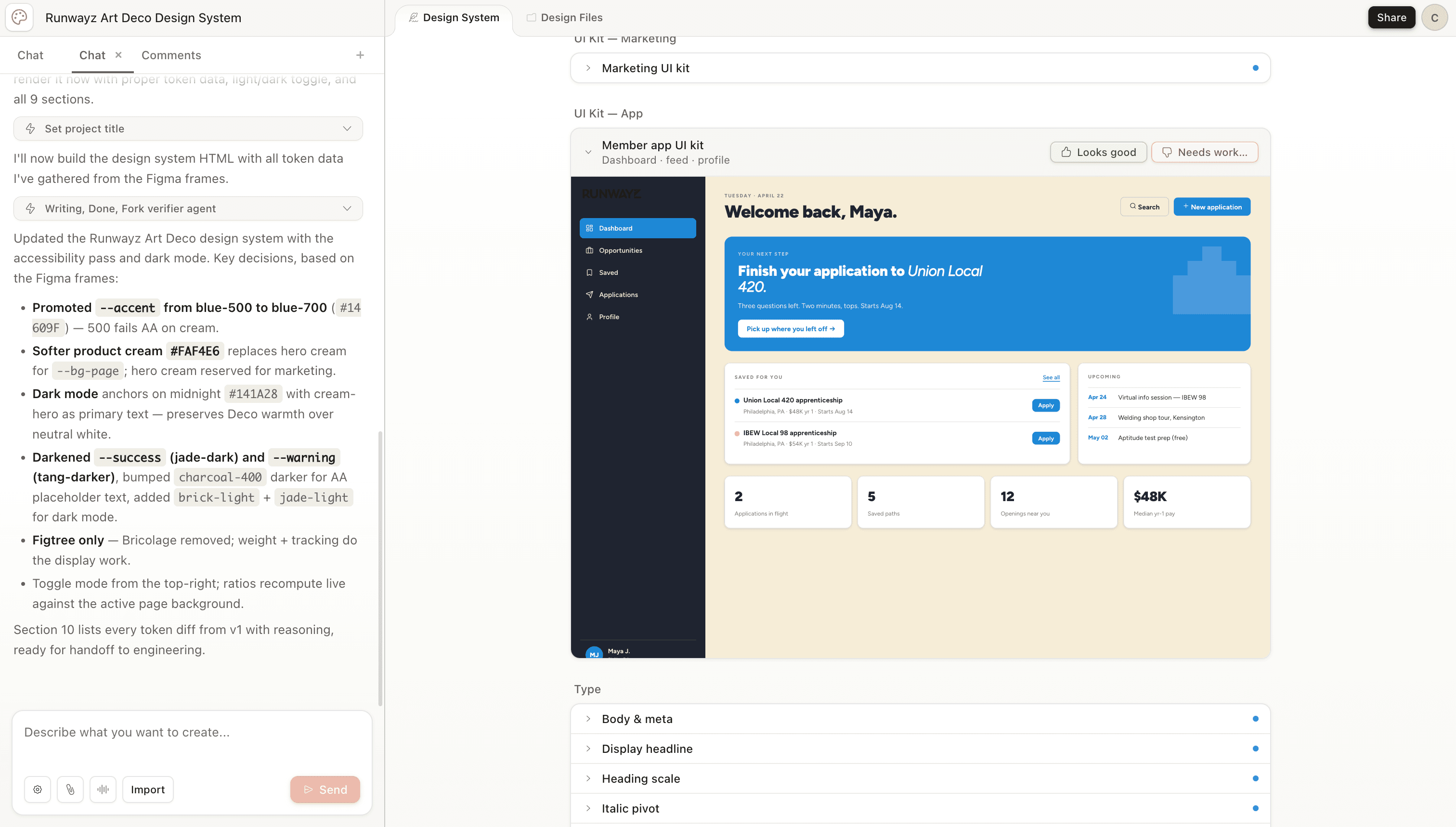
That was my first challenge: figure out how to teach AI about Runwayz. I did this by creating a skill in Claude that encapsulates the Runwayz brand - from voice and tone to color and UI best practices. This was meant to be a living and breathing document that would evolve as our brand did; all I needed to do was bring Claude along for the ride.
Building the Pipeline
Now that I had created context upon which to design, I needed the right toolkit to get the job done. I needed a workflow that emphasized speed and consistency while promoting intentional human touch-points.
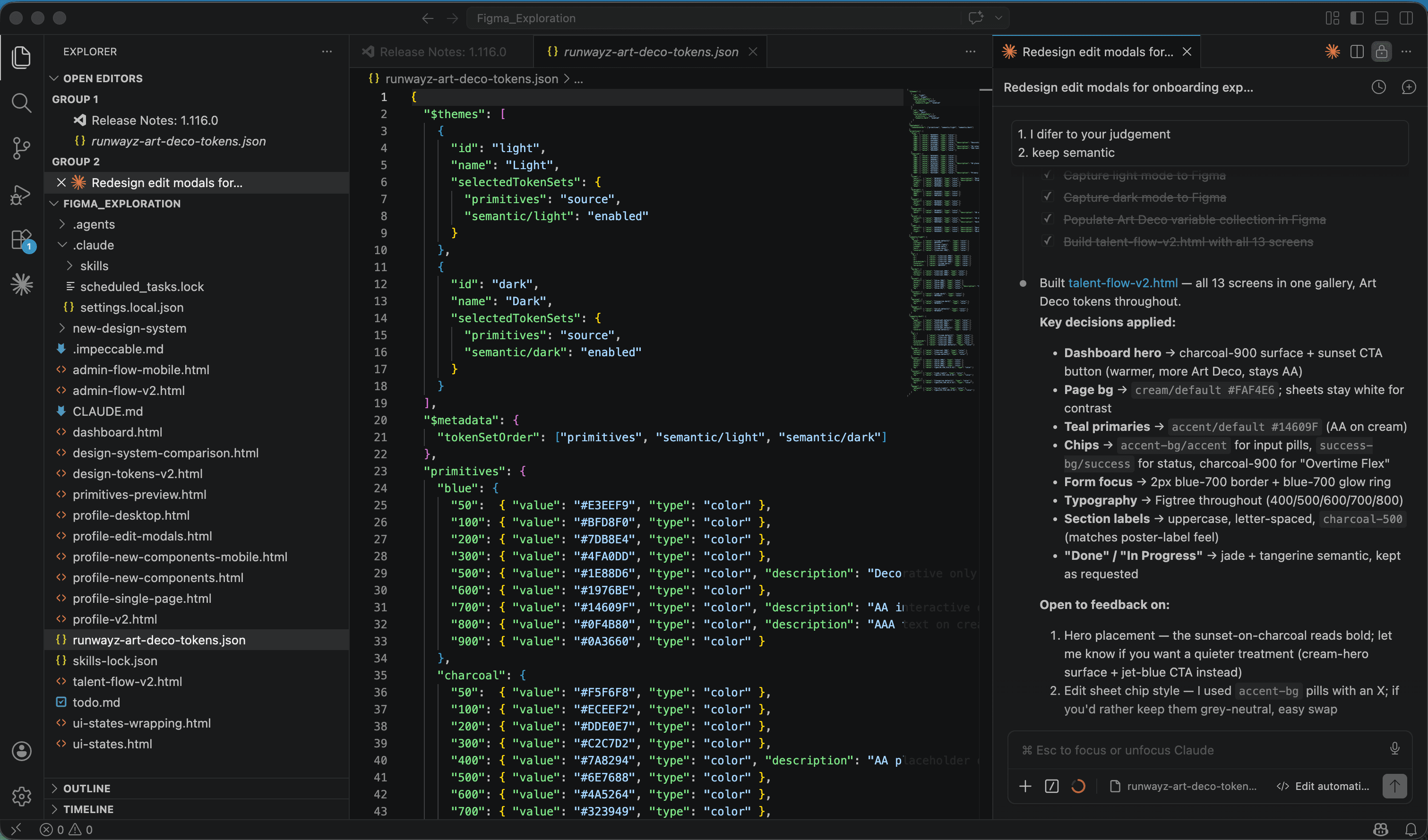
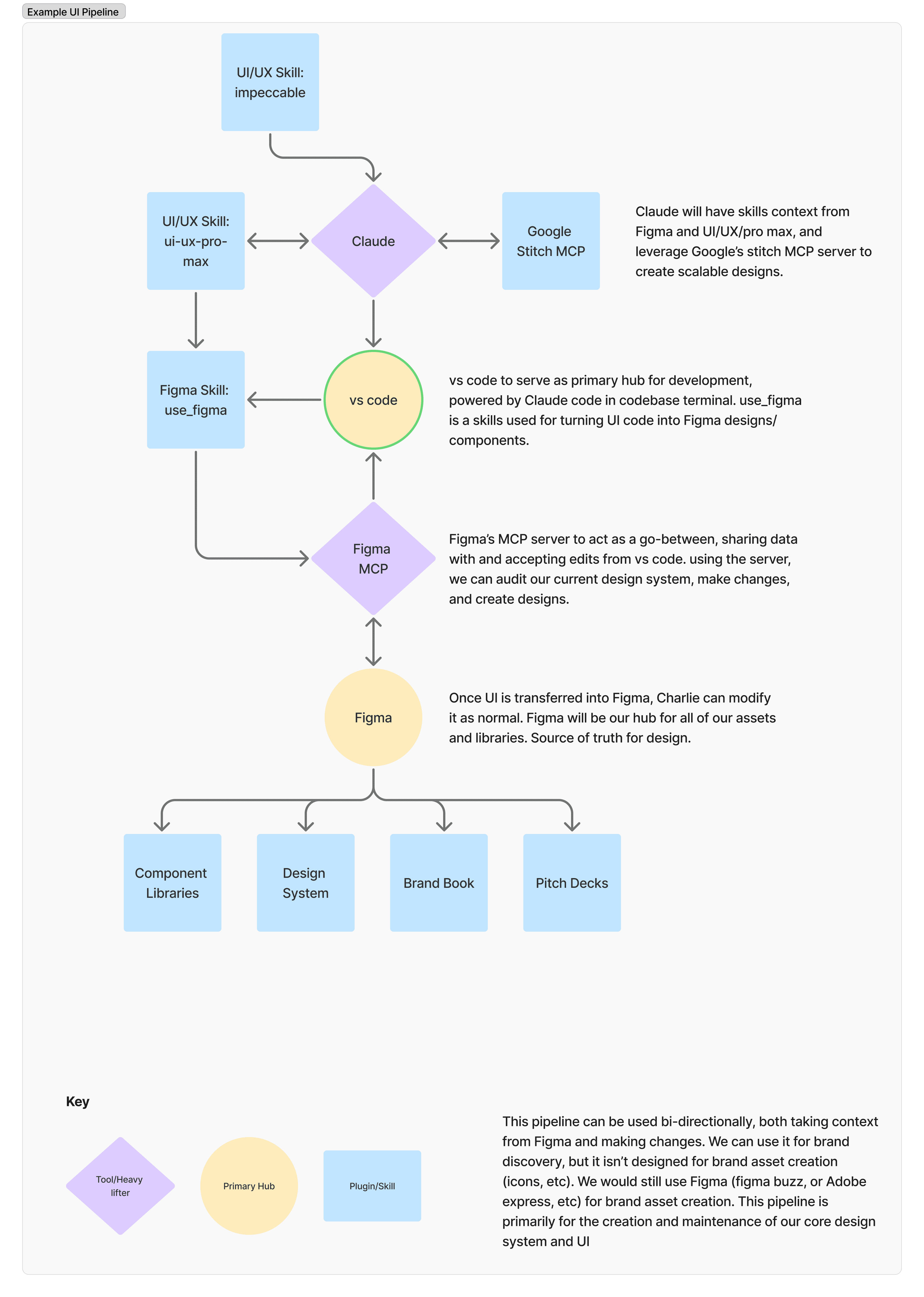
My first draft was too simple: leveraging Claude within Visual Studio and communicating with Figma via their MCP. Getting the tools to communicate was effective at producing output, but there wasn't enough space for feedback and iteration. Some of the early UI was consistent, but generic. I needed something more nuanced.
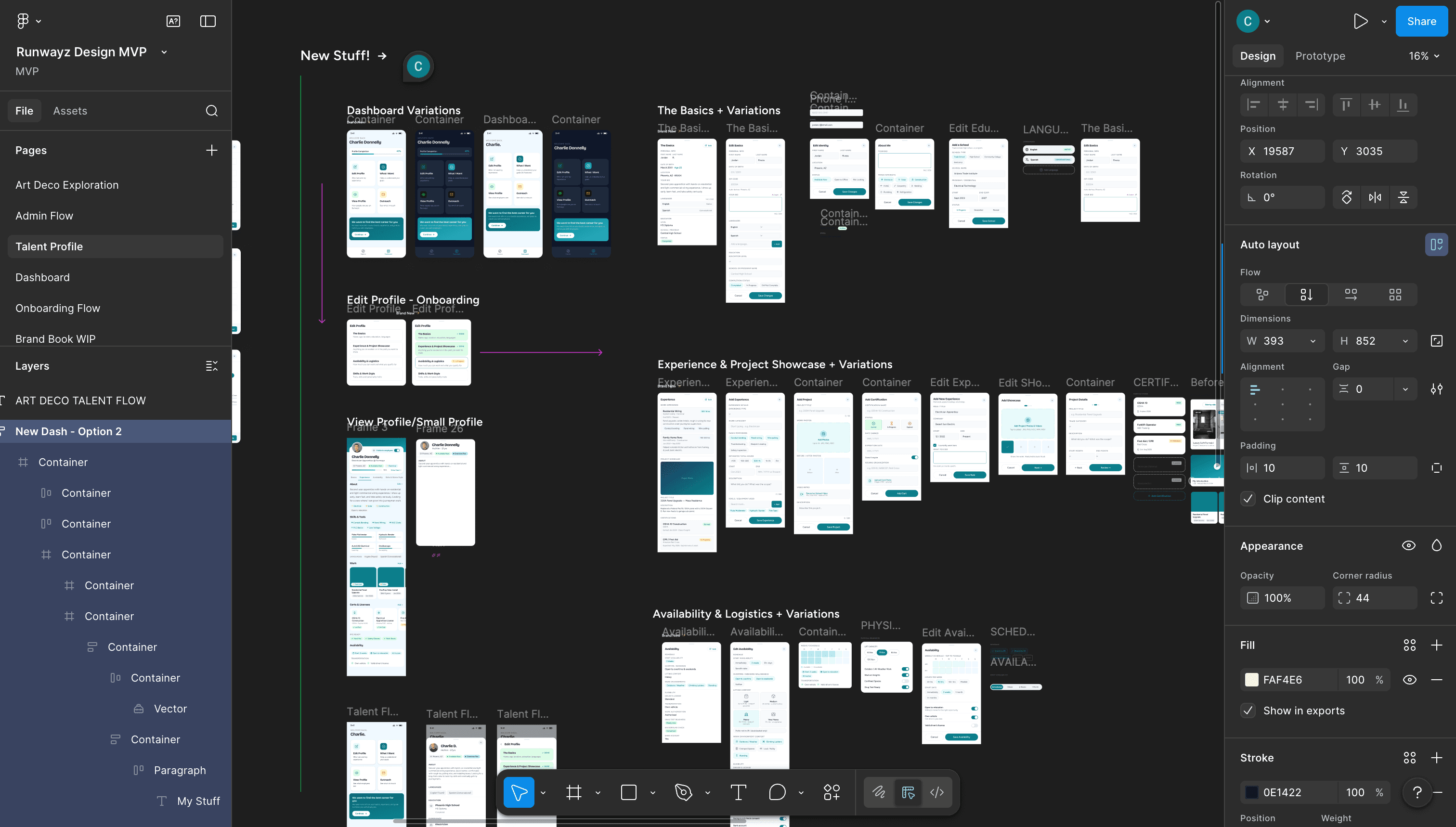
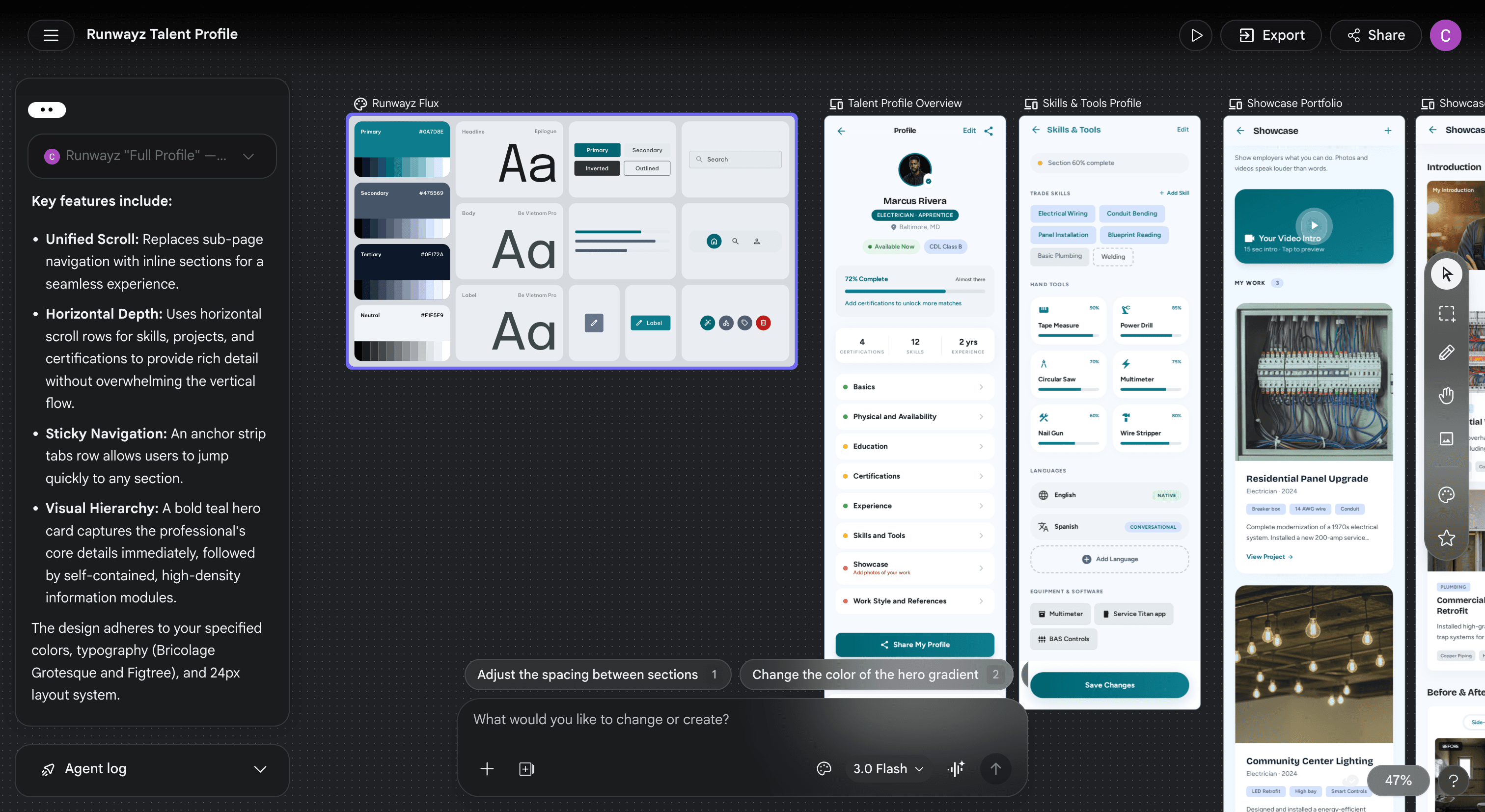
That is when I discovered Google's Stitch MCP beta, an experimental wire-framing tool that plugged in seamlessly with my existing pipeline. While plugged into Stitch, I could do as much 'AI-slop' discovery as I wanted, then transfer bits and pieces into our Figma design system and tweak as needed.
But I didn't stop there. Experimenting with Claude skills taught me that, with the right context, there would be less back and forth between man and machine. I layered in some additional design-related skills that I could leverage at different parts of the workflow - some for UI libraries, some for best practices and some for nuanced tweaks.
A Flexible Model
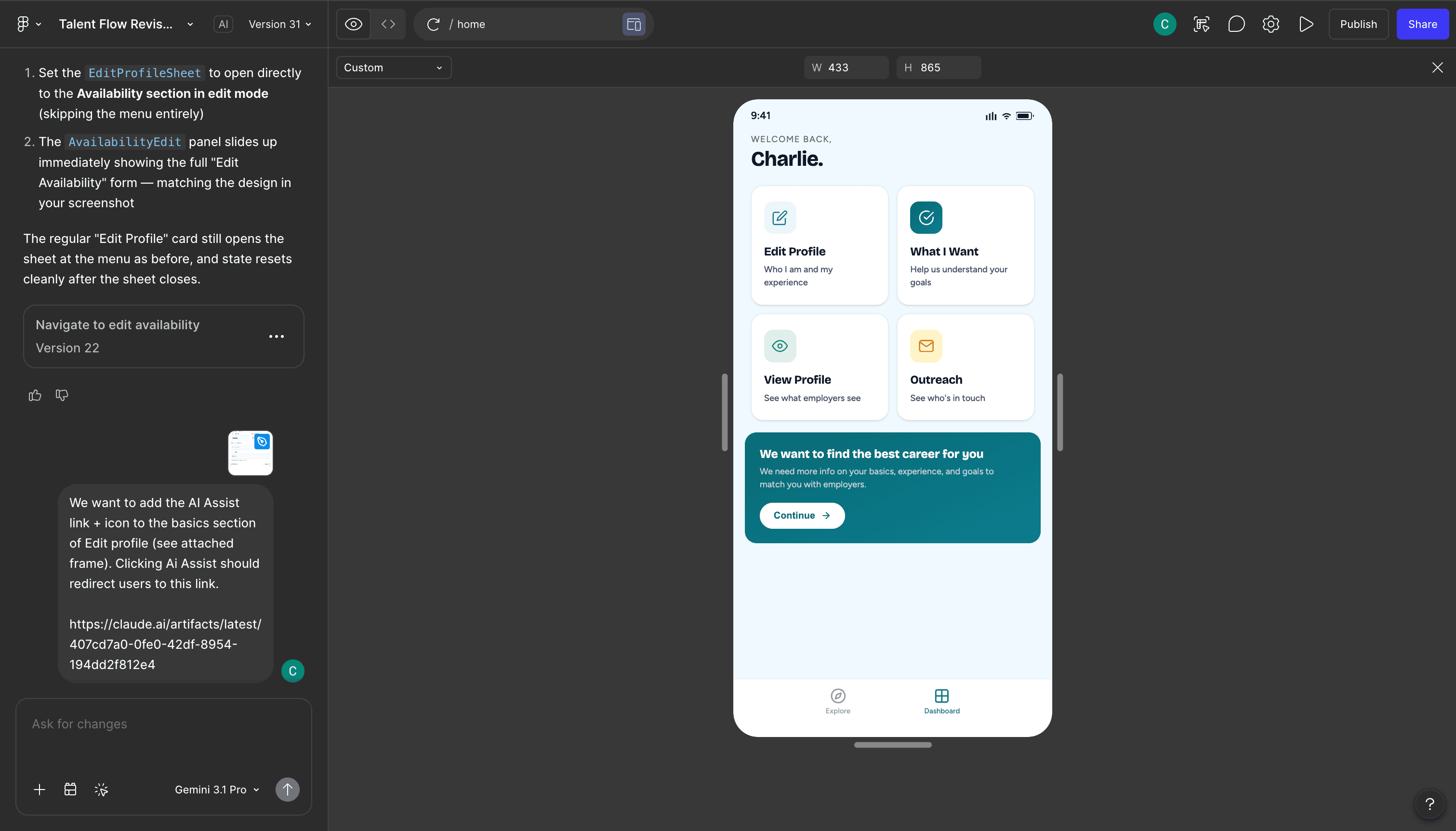
The results produced from my UI pipeline were promising and allowed me to focus on the more valuable human elements of the design process: discovery, research and detail. Being able to brainstorm quickly then replicate at scale was something Runwayz had not been able to do before.
The best part? Having all of our tooling (design system, pipeline, codebase) tethered to one unified design system and context library meant that we could treat everything as provisional and iterate with ease. At the time of writing, Claude has just released Claude Design into research preview, adding yet another unification tool to our development workflow. I am excited to see what additional value Claude Design can do for my design pipeline.
Results & Impact
The results exceeded expectations on two fronts. The most obvious win was the acceleration - shipping faster in an environment that was already moving quickly. However the more surprising reward was how much I learned along the way. Getting hands-on time with cutting-edge AI design tools and methodologies, and watching them converge into something that genuinely worked, felt like a victory on its own.
Faster MVP iteration speed.
AI-driven design pipeline built end-to-end.
Unified brand context across Claude skills.
Hands-on integration of Stitch + Figma MCP.